Role
Product Designer & Front-End QA
Duration
0 → 1 Launch in 6 months
Platform
Web App · AI Voice Agents
Industry
AI Sales Automation · SaaS
Product Designer & Front-End QA
0 → 1 Launch in 6 months
Web App · AI Voice Agents
AI Sales Automation · SaaS
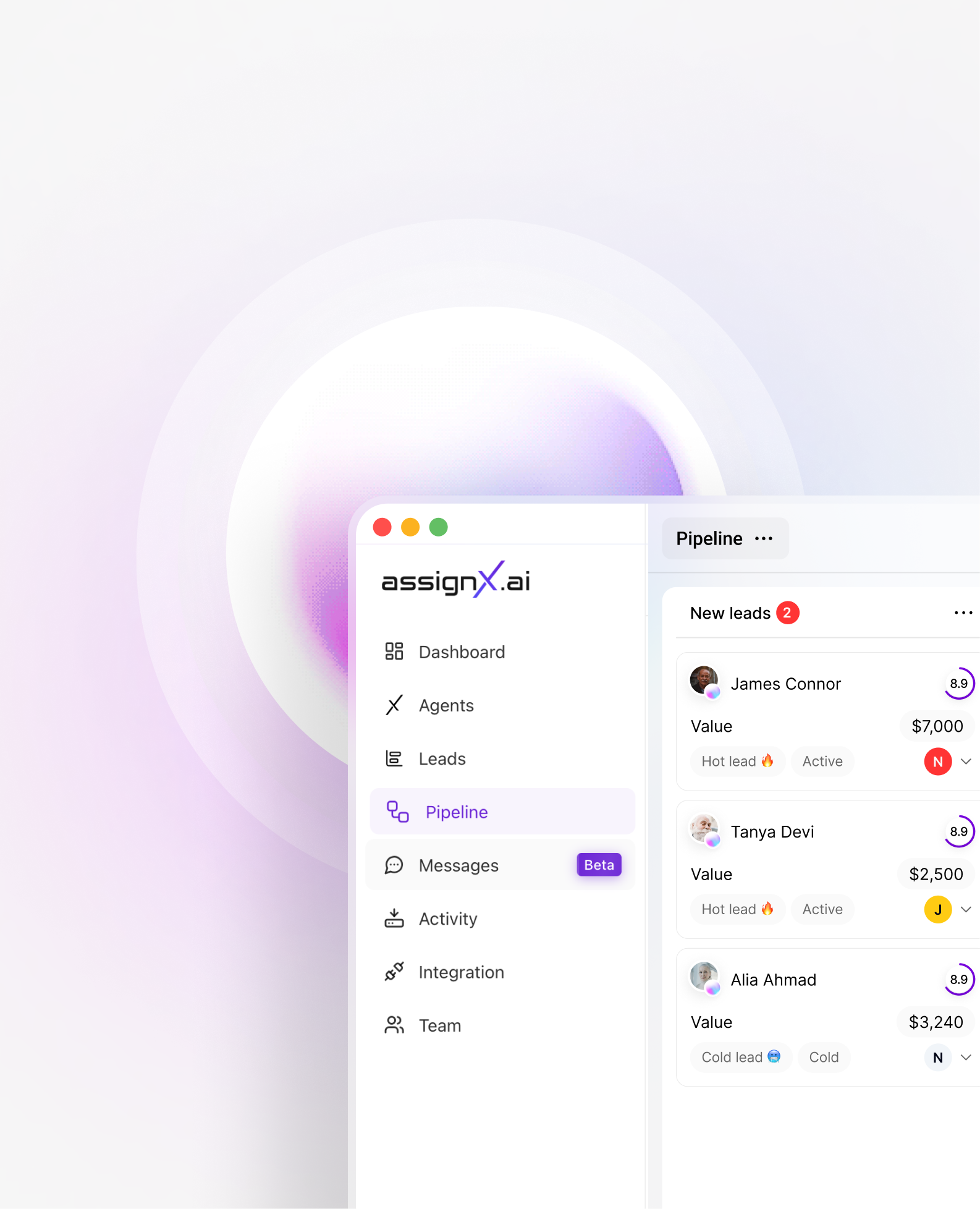
AssignX is an AI-powered sales automation platform that deploys intelligent voice agents capable of calling leads, handling objections, booking meetings, and nurturing pipelines 24/7, at a fraction of the cost of human SDRs.
I was brought in as the sole senior designer to take the product from a raw concept to a fully shipped, revenue-generating platform. This meant everything: discovery, strategy, systems, flows, and working directly in Cursor for front-end QA.
This wasn't a redesign or an iterative improvement — there was nothing before I arrived. I owned every aspect of the product experience: the strategy, the architecture, the visual language, and the front-end quality gate.
Working directly in Cursor for front-end QA meant I could catch and resolve implementation issues in real time, reducing handoff friction and keeping design intent intact through to production. The collaboration with engineering was tight and continuous.
This role required me to function as both a strategic product thinker and a meticulous hands-on craftsperson — two modes that don't always coexist, but were essential here.
Businesses are increasingly adopting AI to automate sales and customer engagement, but most AI automation tools are difficult for non-technical users to configure.
Sales teams were hemorrhaging time and budget on repetitive outreach.
"Hiring a sales rep costs thousands per month. They sleep. They quit. They have bad days. Our users needed an agent that never does any of those things."
Small and mid-size businesses were spending disproportionate amounts on SDR salaries for tasks that were fundamentally repetitive cold calling, objection handling, follow-ups, and meeting booking. The promise of AI was there, but no product had made it truly accessible or trustworthy.
Early interviews with target users revealed a consistent pattern: they'd tried chatbot tools, they'd tried outsourced calling teams, and they were still frustrated. The missing piece was something that felt human, but worked like software.
Users needed to believe the AI would represent their brand well before handing it real leads.
No existing design to iterate on — every pattern, component and flow had to be built from scratch.
The product had to be operable by business owners with zero technical background.
Competitive market pressure meant we needed to move from concept to live product fast.
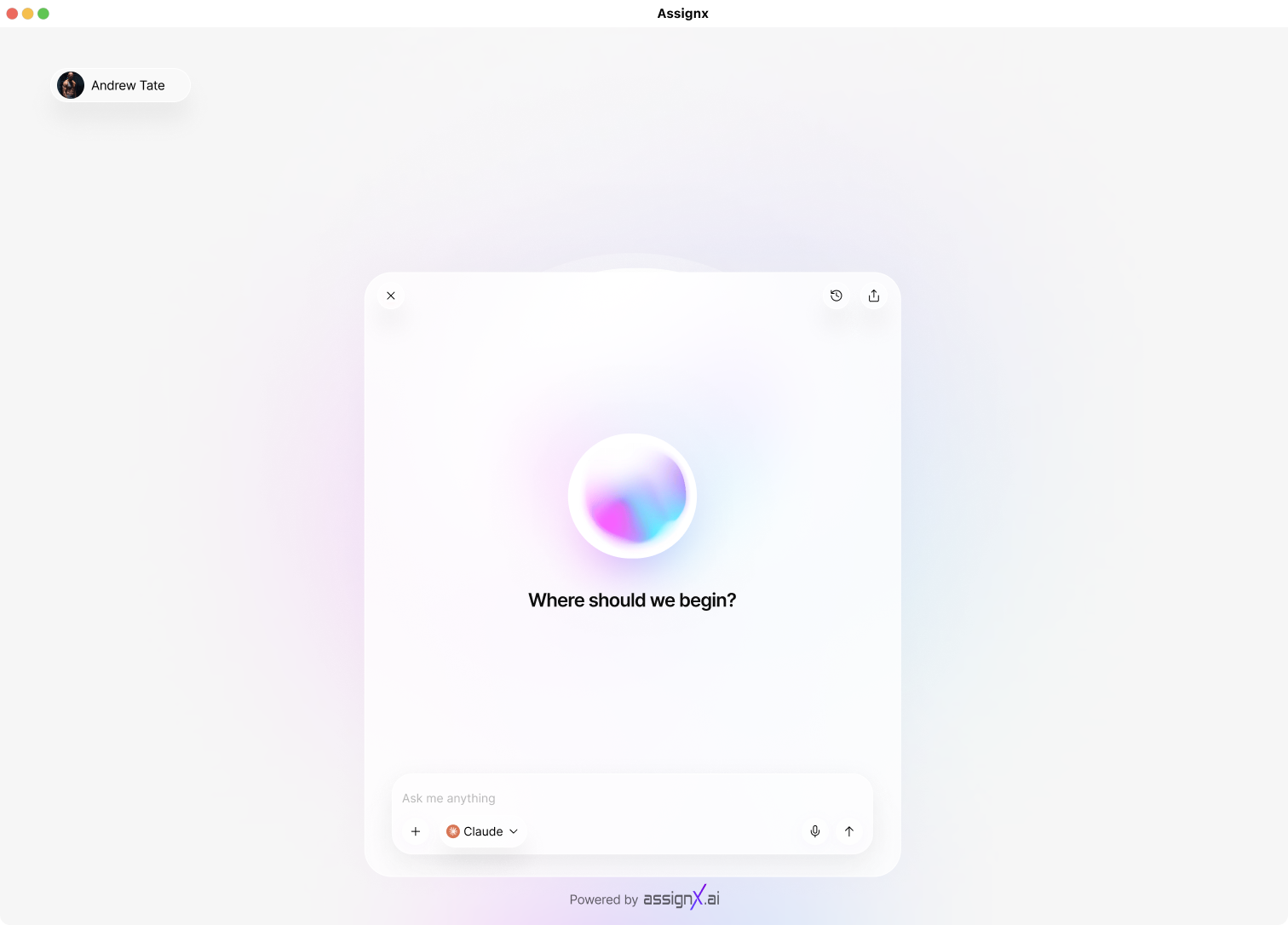
I mapped the AI sales tools landscape — Drift, Intercom, Dialpad AI, Salesforce Einstein — identifying UX gaps and unmet expectations. I conducted lightweight interviews with target users (SMB owners, sales managers) to understand their mental models around AI phone agents and what made them hesitant to trust them with real leads.
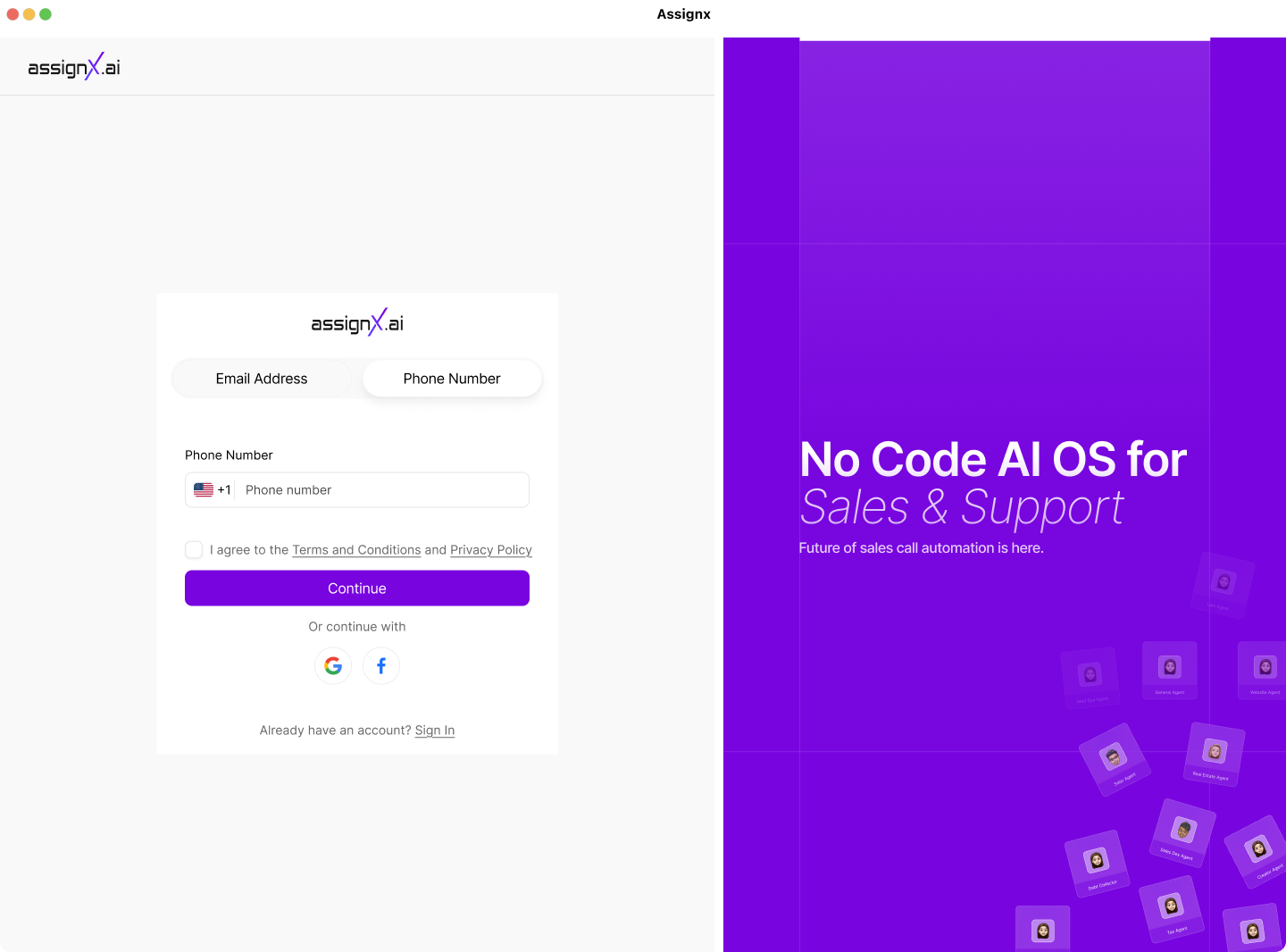
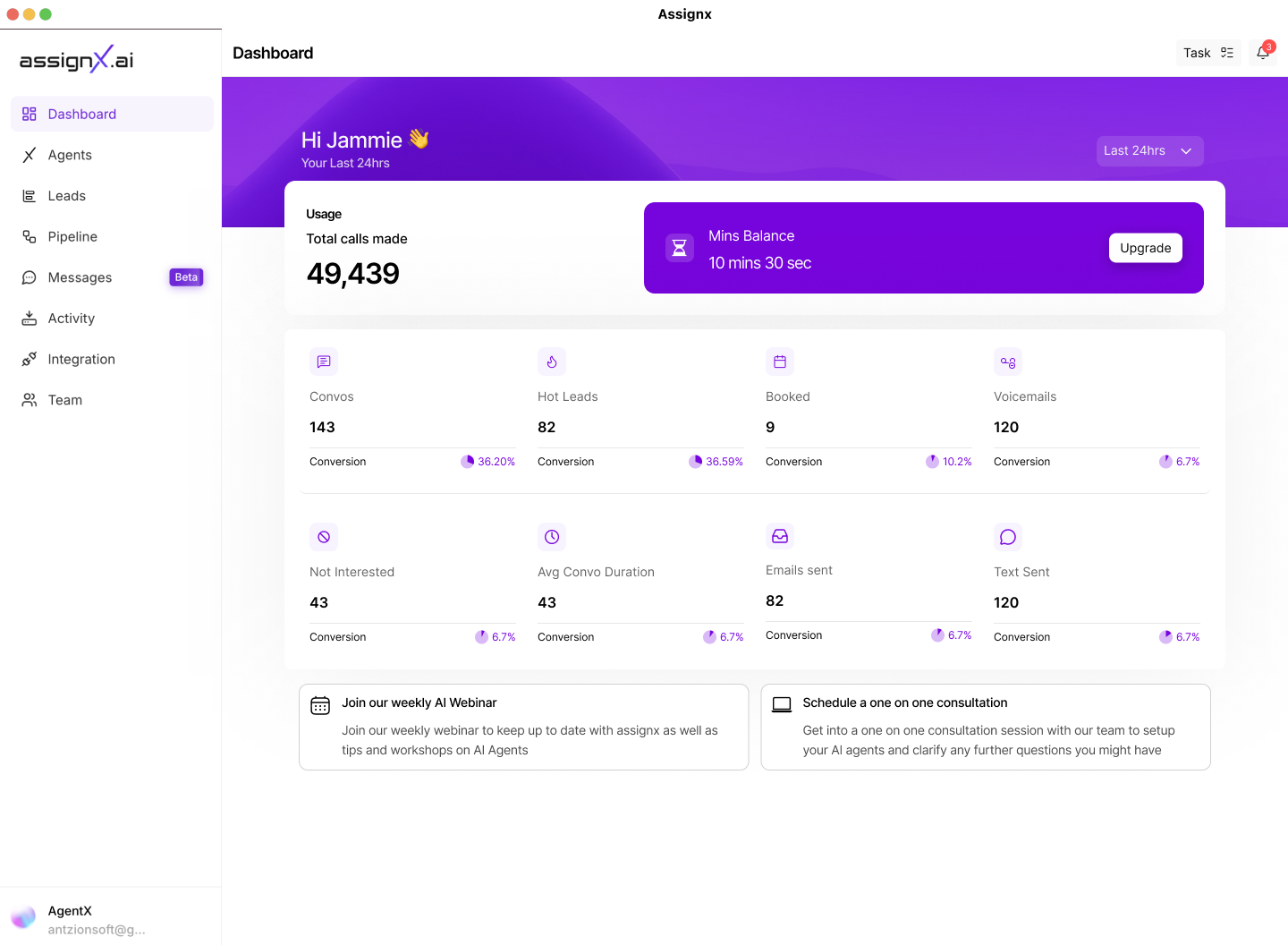
I designed the full IA from scratch: dashboard, agent creation, lead management, campaign setup, call analytics, and CRM integrations. The onboarding flow was especially critical — I mapped a four-step wizard that let users personalise their agent, upload leads, and launch their first campaign in under 30 minutes.
I built a cohesive design system from zero: typography scale, spacing tokens, colour semantics (active vs. idle agents, success/failure call states), and a library of reusable components. This ensured speed and consistency as the product grew without me needing to re-design the same patterns.
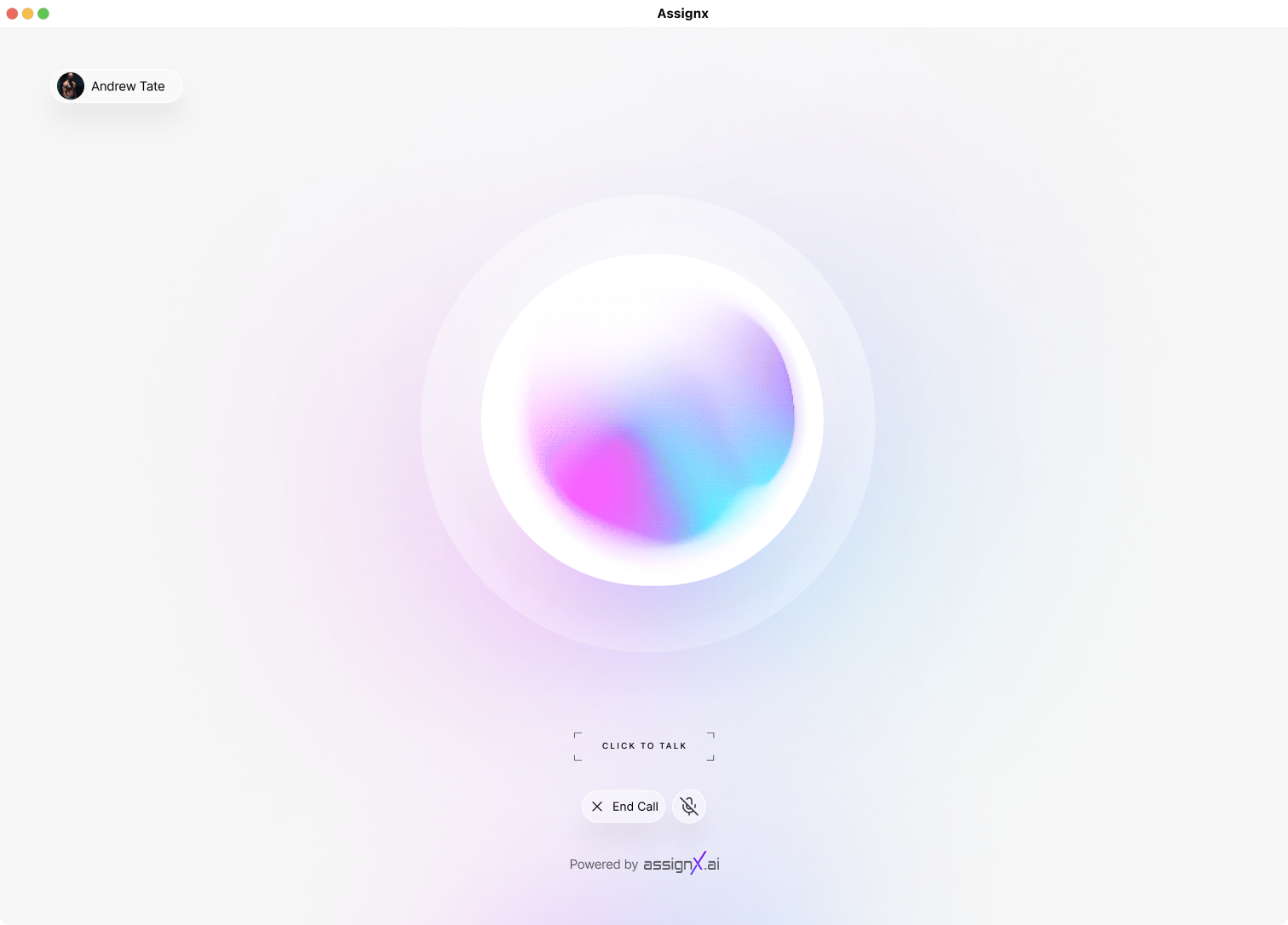
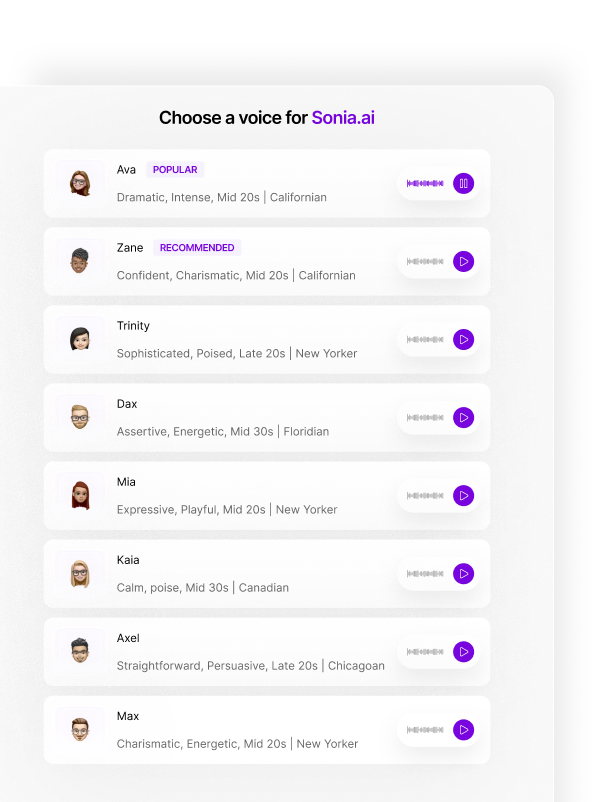
I built high-fidelity prototypes in Figma and ran quick usability tests with early users. Key insight: users didn't trust the agent until they could hear a sample call. This led to me designing a "Listen to your agent" preview step in the setup flow — a single interaction change that dramatically increased completion rates.
I worked directly alongside the engineering team using Cursor to QA the front-end implementation. This meant reviewing spacing, component states, responsive behaviour, and interaction fidelity against design specs — catching and resolving issues in real time rather than through lengthy back-and-forth. This compressed delivery cycles significantly.
After launch, I tracked user drop-off points in the onboarding flow and iterated on the agent configuration UI based on support tickets and session recordings. Continuous refinement across 8 months as the business scaled toward $20K MRR.
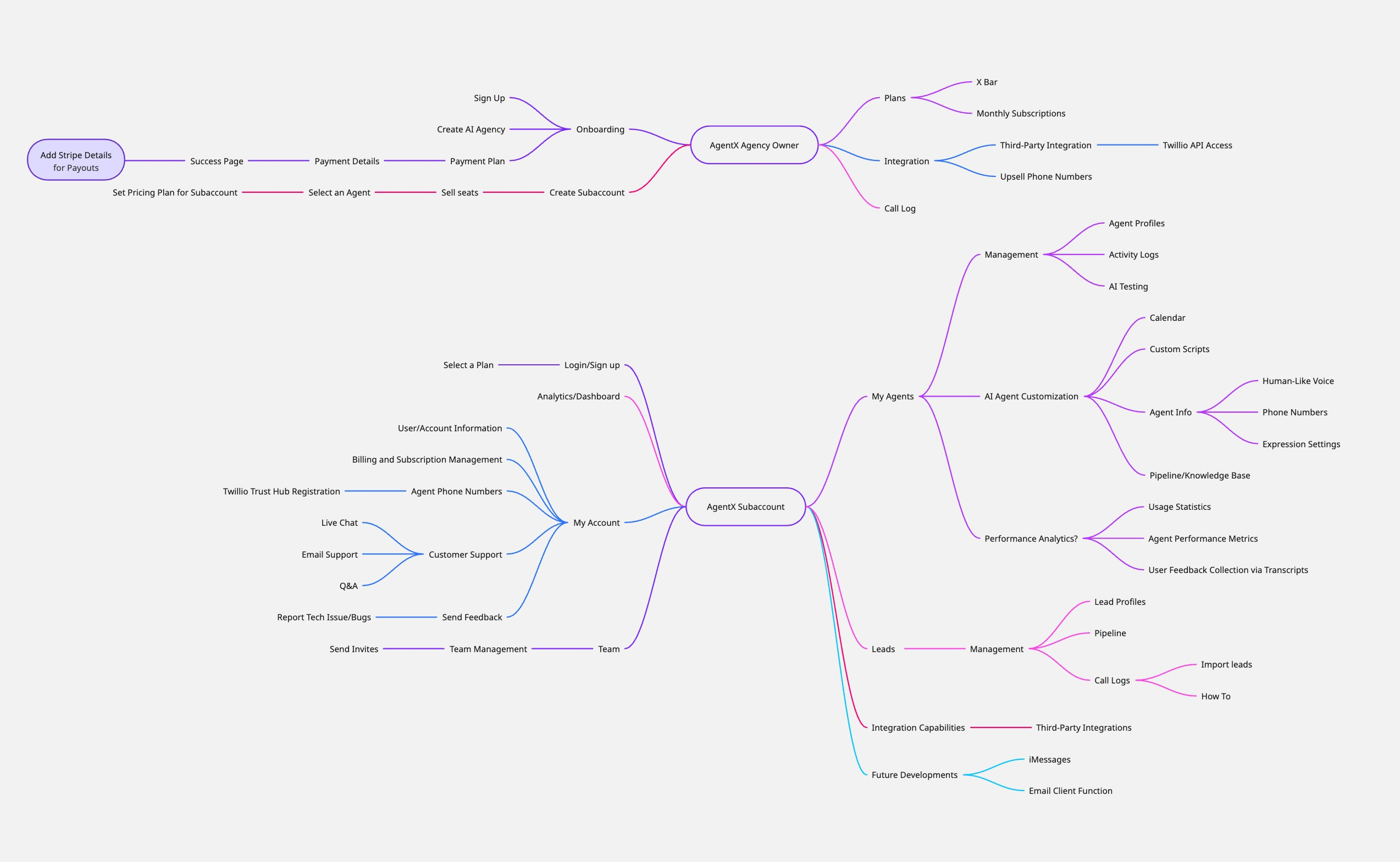
Before a single frame was opened, I mapped the entire product from scratch. Working with the founders, a mindmapping session turned a raw concept into a clear direction defining the core user journeys, product structure, and the key decisions that would shape everything built after it. The mindmap wasn't a deliverable. It was the thinking behind every design decision that followed.
Letting users hear their agent before launching was the single biggest trust-builder. I designed an inline audio playback step directly into the agent setup wizard — users immediately became more confident in going live with real leads.
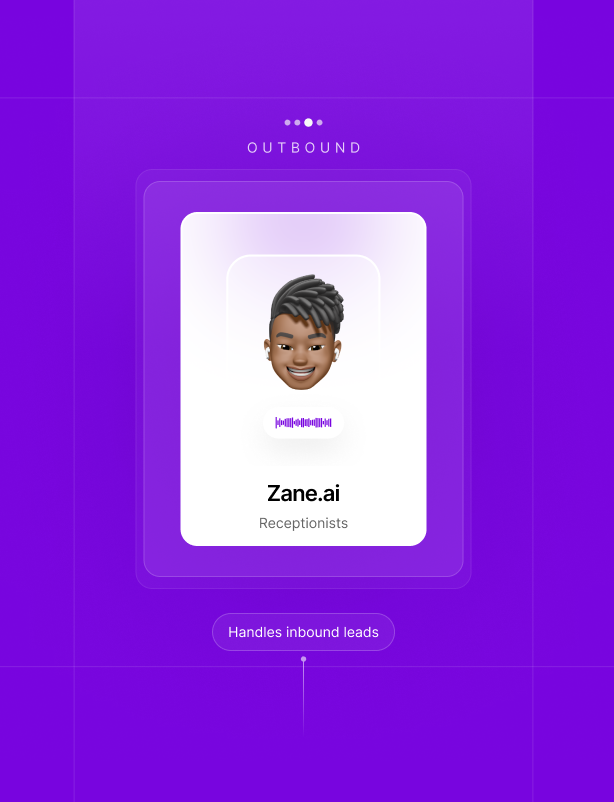
I reduced agent setup to: choose a persona → Configure Agent number → customise the script → upload leads. What felt like a complex technical task became something users could do in under 10 minutes. This collapsed time-to-value and improved activation dramatically.
I designed a live analytics view showing active calls, objections handled, and meeting bookings in real time. This gave users a sense of the platform working for them constantly — turning an invisible background process into a satisfying, visible outcome.
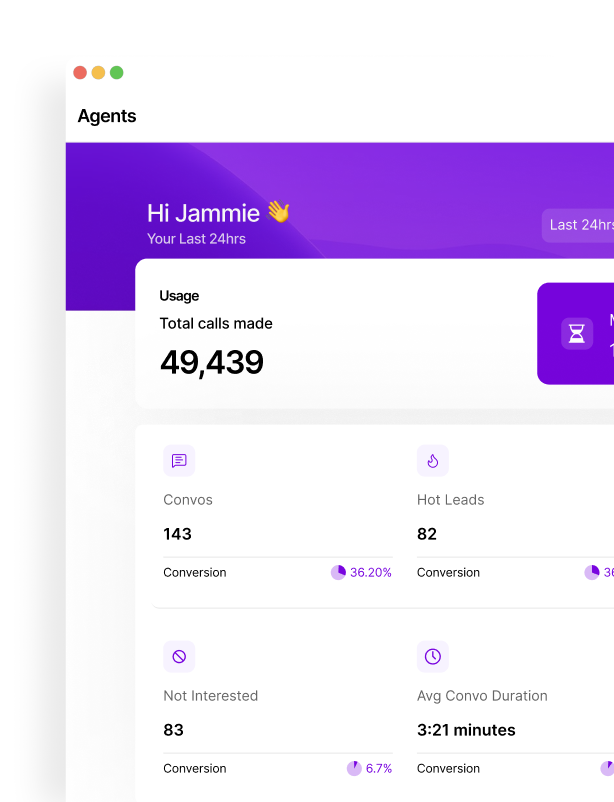
AssignX hit $20K MRR in its first 8 months and put over $90 million into our clients' pipelines. Every dollar traces back to a product designed from a blank canvas — zero inherited patterns, zero existing playbook.
Monthly recurring revenue within 8 months of launch
Generated for clients across industries via the platform
Full product designed end-to-end, from blank canvas to live product
Time-to-value for new users: from sign-up to first agent live, through intentional onboarding design.
Getting users to hand control of their sales pipeline to an AI isn't a marketing problem — it's a UX problem. Every interaction in the platform was designed to build confidence incrementally, not ask for blind faith upfront.
Investing two weeks building a proper component library early saved months of inconsistency later. When the product grew quickly, the system scaled with it — without design debt accumulating on every sprint.
Using Cursor for implementation QA changed my relationship with delivery. Design doesn't end when the Figma file is handed over — it ends when the live product matches the intent. Owning that gap made the product significantly better.